
How to add PowerShell ISE from PowerShell
Today I wanted to execute PowerShell ISE on one of SharePoint Server, but I couldn’t find it. I searched for it but on this server I haven’t installed it. I have already forgotten how to add PowerShell ISE to Windows Server 2008R2. It’s not included in default settings because PowerShell ISE is not necessary for Windows Server. And I think it’s true.
But I want to find PowerShell ISE but not truth. I couldn’t remember which feature should I add on Windows Server, but I could remember two strings for PowerShell to add PowerShell ISE. So here they are:
ps> import-module servermanager
ps> add-windowsfeature powershell-ise
It adds windows feature.
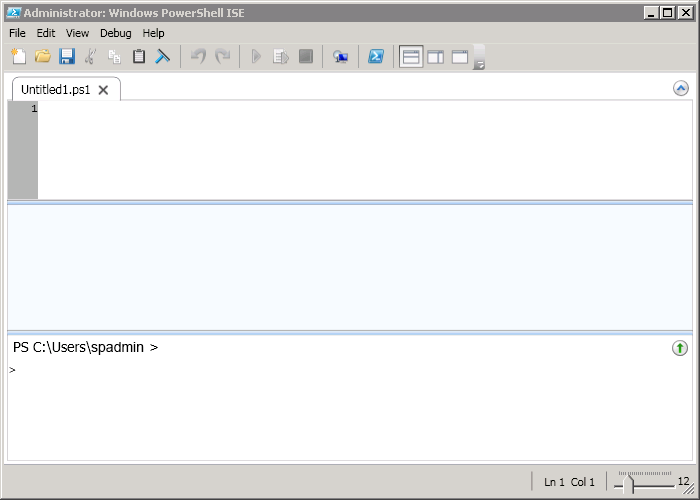
PowerShell ISE
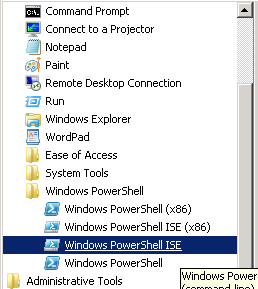
PowerShell ISE from menu
 Net 10.0 is not available for Azure Functions. How to fix
 Custom Label with multiple styles in TextField of Fluent UI
 First impressions after using the new SPFX 1.22.2 with Heft