
Copy all files from one directory to another using cmd (bat) file
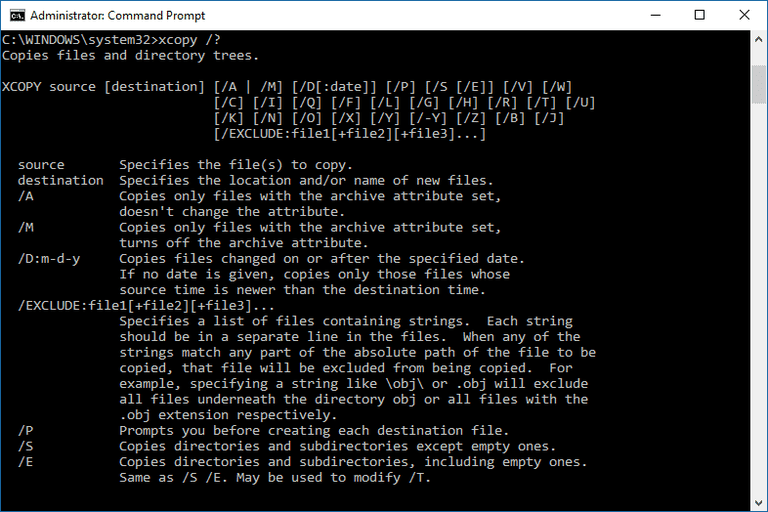
You can easily copy files from one directory to another. You can easily create cmd-file with the command XCOPY and it's keys and make copies of files.
xcopy c:\dir1\*.* d:\ /O/X/E/H/K
In this command data will be copied from c:\ to D:\, even folders and system files as well. Here's what the flags do:
/E - Copies folders and subfolders, including empty ones.
/H - Copies hidden and system files also.
/K - Copies attributes. Typically, Xcopy resets read-only attributes.
/O - Copies file ownership and ACL information.
/X - Copies file audit settings (implies /O).
 Net 10.0 is not available for Azure Functions. How to fix
 Custom Label with multiple styles in TextField of Fluent UI
 First impressions after using the new SPFX 1.22.2 with Heft